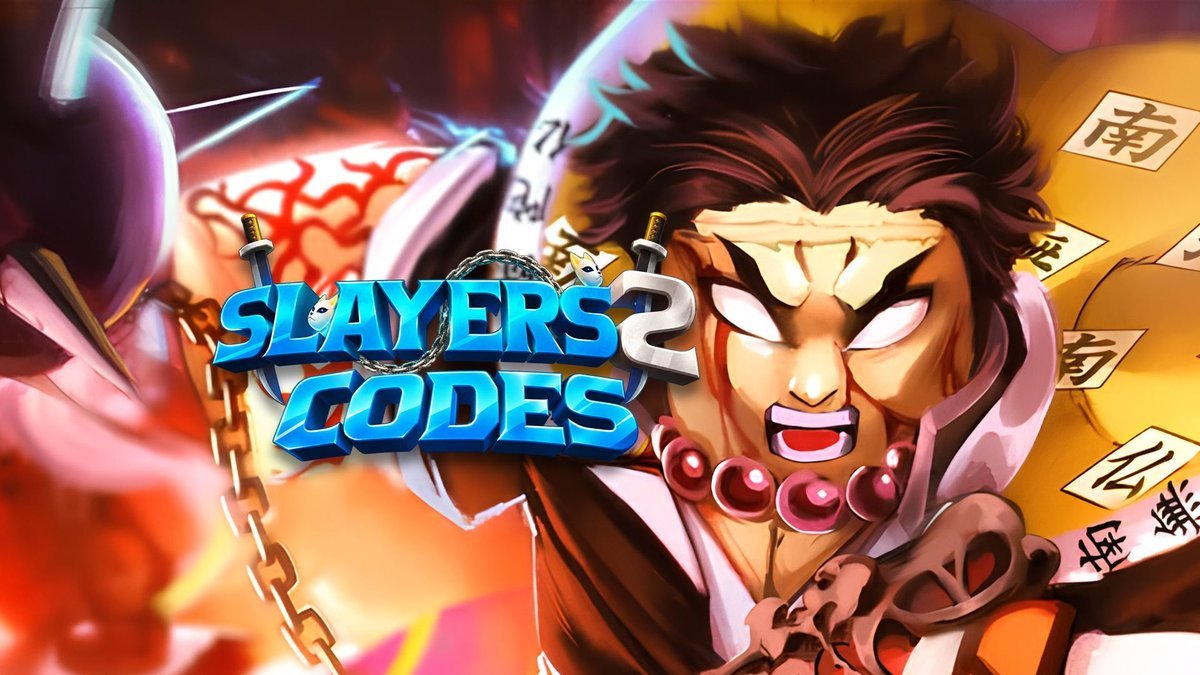
Slayers 2, the sequel to the wildly successful Project Slayers, has become a major hit on Roblox in its opening weeks. The original game accumulated over half a billion visits before spawning this follow-up, which has already amassed approximately 100 million visits and one million likes within its first two weeks of release. Players looking to maximize their rewards should take advantage of the game's promotional codes, which grant free spins, currency, and ore.
The developer team behind Slayers 2 regularly releases new codes to reward the player base and build excitement around upcoming content. As of late October 2026, five fresh codes were made available to coincide with the approach of Update 1. These codes—COD3SEvilartreset, COD3SBreathingreset, COD3SStatpointreset, COD3SRaceReset, and COD3SCurrency—were valid through November 3rd and provided various in-game benefits to players who redeemed them before the deadline.
Active and Expired Codes
A substantial list of working codes remains available for players to claim. The active codes include Roguelike, which grants 35 spins; M1LL1ON, rewarding 50 spins, 10,000 Wen, and 2x Luck; ANIM4L, providing 50 spins and 5 ores; and SPINS50, offering 50 spins. Additional active codes include BREATHRESET for resetting breathing abilities, ARTRESET for resetting evil art, SkillTreeReset for resetting skill points, Release26 for 100 Wen plus 30 spins and 1 ore, EVILARTSPINS for 54 spins, SORRYFORSHUTDOWN for 39 spins, and POINTSRESET for resetting skill points. The code RoguelikeRaceReset allows players to reset their race without spending premium currency.
Several codes have expired and no longer function. Players should focus on the active codes listed above, as attempting to redeem expired codes will result in an error message. The list of working codes is regularly updated whenever new promotional codes are released by the developers.
How to Redeem Your Codes
Redeeming codes in Slayers 2 follows a straightforward process similar to other Roblox games. Players must first join the Ouw Productions community, which is the developer behind the game. Once membership is confirmed, launch Slayers 2 and locate the code redemption box on the main menu screen. Type or paste one of the active codes into this box, then click the green Redeem button that appears next to it. The rewards will be added to your account immediately upon successful redemption.

The redemption process typically takes only a few seconds, making it quick and painless to claim multiple rewards. Players should ensure they are using the exact spelling and capitalization of each code, as the system is case-sensitive and will reject codes with incorrect formatting. If a code fails to redeem, double-check that it has not expired and that it was entered correctly.
Finding New Codes
Staying updated with the latest promotional codes requires checking multiple sources regularly. The official Slayers 2 Discord server is the primary hub for code announcements and serves as the best resource for learning about new releases as soon as they become available. The Discord community also provides detailed information about upcoming updates, special events, and balance changes. Players can interact with other members, ask questions, and share strategies within the server.
Beyond the Discord, players should check back on code listing pages frequently, as new codes are typically added several times per day when they become available. Bookmarking a reliable code resource ensures you won't miss out on limited-time promotional offers. The developers regularly release codes to celebrate milestones, announce new content, and reward player engagement, so staying vigilant pays off with consistent free rewards throughout your time playing Slayers 2.
Related Articles
About the Author